
Even with a "deny everything" rule in UFW, a database port you published with Docker may be open to the internet. Why it happens, how to check, and lasting fixes.
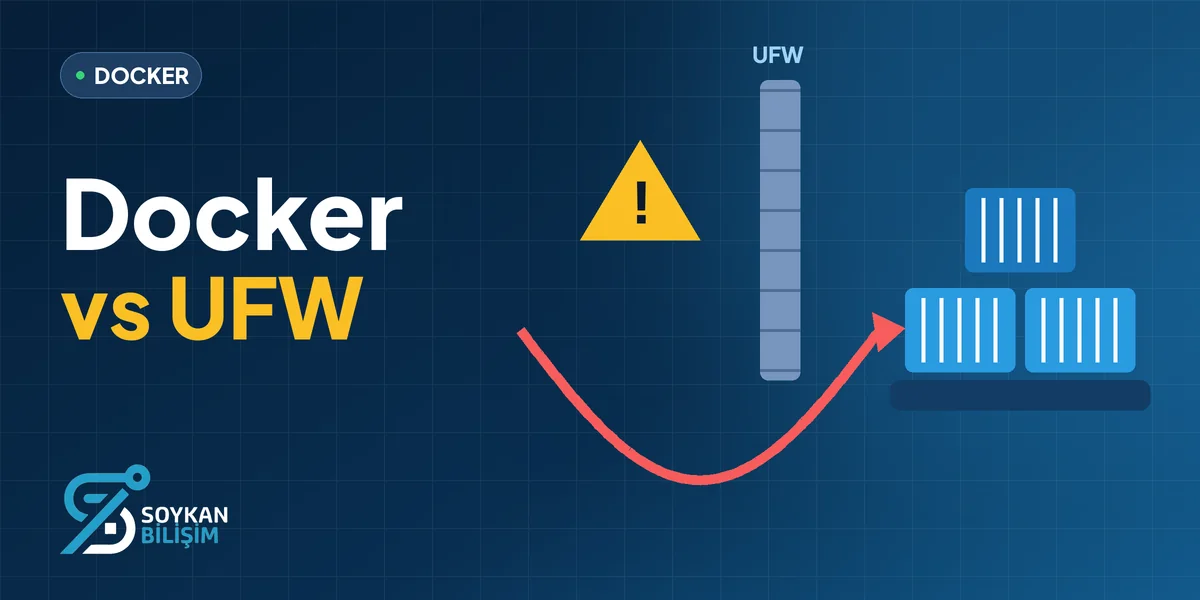
You set up a "deny all incoming" rule with UFW on your server. Then you started a database with Docker. You think everything is safe. But that database is quite likely open to the internet right now.
This is one of the most common and least known security gaps we see on servers running Docker.
What's the problem?
Consider this command:
docker run -d -p 6379:6379 redisWith -p 6379:6379 you published Redis on the server's port 6379. You never allowed this port in UFW. Yet it can still be reached from outside.
Why does it happen?
When you publish a port, Docker writes its own rules directly into Linux's iptables. These rules forward the incoming packet to the container before it ever reaches the server's "incoming traffic" (INPUT) chain. UFW's rules live exactly in that INPUT chain. So the packet takes a path UFW never looks at.
The result: the port doesn't show up in ufw status, but it is open.
How to check your own server
First, see which ports are listening:
sudo ss -tlnpLines like 0.0.0.0:6379 or [::]:6379 mean the port is listening on all network interfaces. 127.0.0.1:6379 means it is reachable only from inside the server.
Then scan your own server from another computer (only scan servers you own):
nmap -p 6379,3306,5432,27017,8080 SERVER_IPIf you see open, that port is open to the internet.
Fix 1 (recommended): publish the port only inside the server
If only another application on the server (for example Nginx) needs to reach the container, don't expose the port at all:
docker run -d -p 127.0.0.1:6379:6379 redisIn Docker Compose:
ports:
  - "127.0.0.1:6379:6379"
The same applies to web applications: bind the container to an address like 127.0.0.1:8080, and expose it to the outside only through Nginx (or your panel's reverse proxy) on port 443.
If containers only need to talk to each other, you don't need to publish ports at all; containers on the same Docker network can reach each other by service name.
Fix 2: add rules to the DOCKER-USER chain
If you do need to expose a port but only to specific addresses, use the DOCKER-USER chain, which Docker never touches. Docker checks this chain before its own rules. For example, to open port 6379 to a single IP address only:
sudo iptables -I DOCKER-USER -i eth0 -p tcp -m conntrack --ctorigdstport 6379 --ctdir ORIGINAL ! -s 203.0.113.10 -j DROPReplace eth0 with the name of your server's internet-facing network interface (you can see it with ip -br a; on some servers it is ens3, ens160 and so on).
--ctorigdstport matches the original port number before Docker's forwarding, so you can use the port number on the host. To keep these rules after a reboot you need to make them persistent (for example with the iptables-persistent package), and if you use IPv6, write the same rules for ip6tables.
Fix 3: helper tools such as ufw-docker
There are open-source tools that make UFW rules work with Docker (for example *ufw-docker*). They work, but read what they do before trusting a production server's firewall to a script.
A "fix" to avoid
The frequently suggested "iptables": false setting (stopping Docker from touching iptables at all) breaks container networking and port publishing. Unless you know exactly what you're doing, we don't recommend it.
Summary
- Ports published with Docker can bypass UFW rules.
- Check right away with
ss -tlnpand a port scan from outside. - Make
-p 127.0.0.1:PORT:PORTyour default habit. - Restrict anything you must expose with the
DOCKER-USERchain.
If you use Docker on your server and you're not sure which ports are open, write to us for a free check.